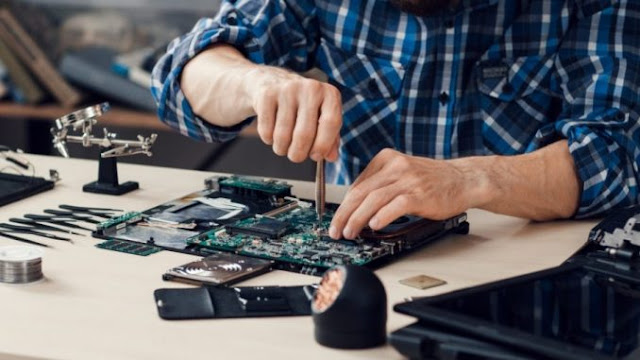
What Does Disk Repair on Mac Do and How It Improves Performance?

Users of Mac OS X have two major utilities to verify and repair hard disks or their MacBook Air/Pro and iMac: Disk Utility and fsck . The Terminal-savvy Mac owners will choose in favor of the command-line fsck utility. Meanwhile, most users will launch Disk Utility if their computer won’t start properly. So, why do you need to repair your Mac’s hard disk? If your machine has sustained improper shutdowns, unexpected power cuts or system crashes, it may experience the system errors or disk directory deprecation. Fixing these errors is important to ensure your Mac’s smooth performance. These are the part of major Mac repair services. Perform a thorough disk check in case any of the below symptoms become evident: if your Mac has a strange behavior after sustaining a power cut or a hard restart; if the message saying ‘ file system dirty, run fsck ’ appears in the middle of Mac’s startup; if your Mac boots up but freezes before making it to the login ...